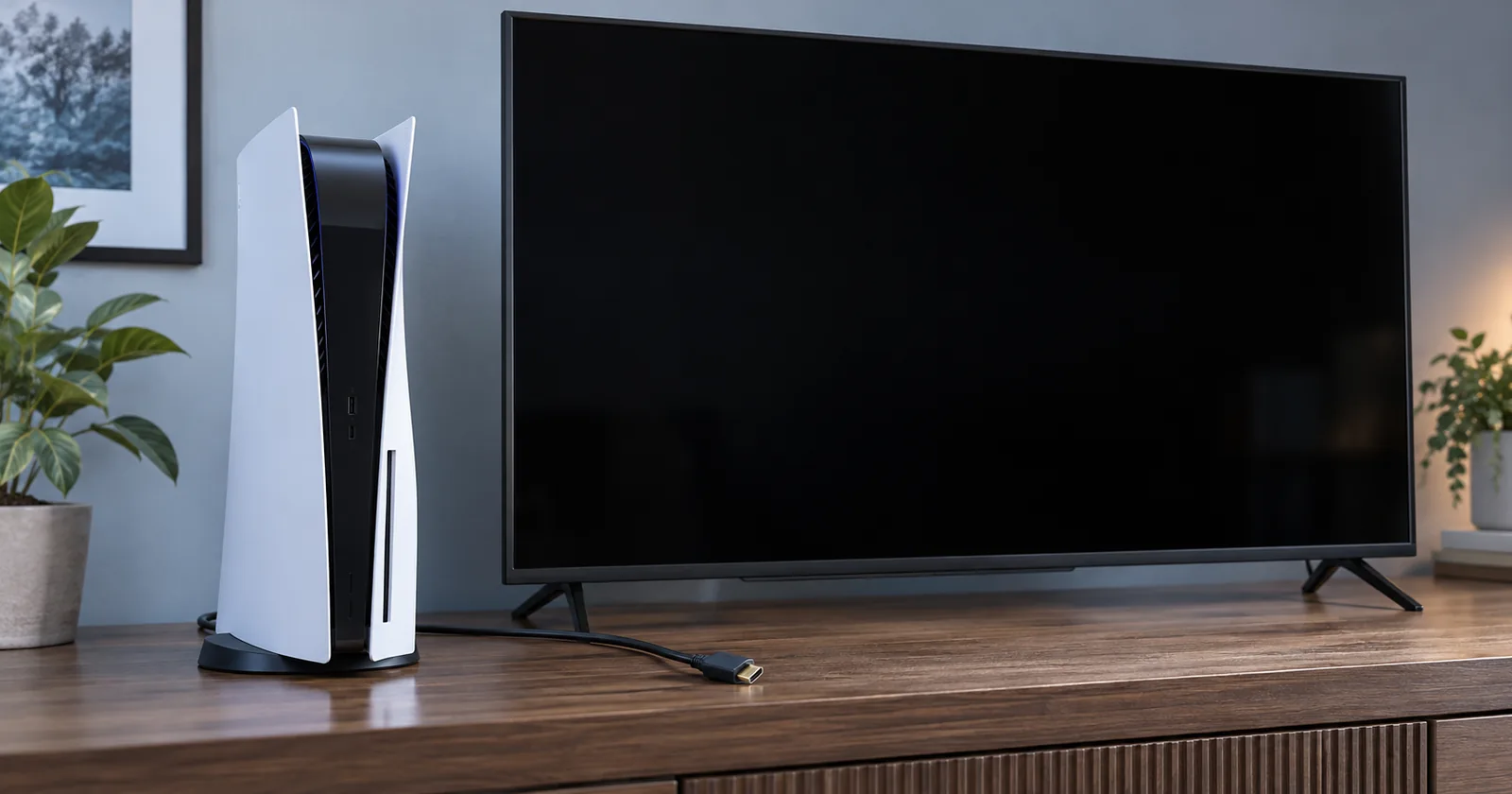
If your PS5 turns on but the TV shows no signal, check the connection setup before paying for an HDMI port replacement. The message does not identify a broken part. This guide helps you narrow the problem, avoid a reset that erases data, and prepare useful notes for a console repair visit in Boca Raton.
Start with the signal path, then decide what needs testing
The picture has to travel from the console through a cable to the correct input on your display. Some setups also include a soundbar, receiver, HDMI switch, or capture device. A problem anywhere along that route can leave you looking at a blank screen.
Your first goal is to find a combination that produces an image. Write down what changes between tests. Swapping the cable, input, and television at the same time might restore the picture, but it leaves you guessing which change helped.
If the image disappeared after someone tripped over the cable, mention that when requesting service. If it began after moving to another television, record that instead. The sequence of events helps the technician choose the next test; it cannot establish the failed component on its own.
Check the HDMI cable, TV input, and direct connection
Sony's PS5 picture troubleshooting guide recommends checking the connection, trying another HDMI cable or TV input, selecting the matching input channel, and connecting directly to the display. Follow that guide with the equipment powered down when changing connections.
- Confirm the selected TV input. Match the input shown in the TV menu to the socket you used.
- Try a working HDMI cable. Record which cable you tried and whether the result changed.
- Simplify the setup. Test the console directly with the TV rather than through extra equipment.
Handle the connector gently. If it will not seat normally or you see obvious damage, stop rather than force it. Do not keep bending or holding the cable at an angle to make the picture appear.
When another display is available, note the exact result there too. A picture on one screen and no picture on another is useful evidence about the setup. It does not establish that every function of the console is healthy.
Use Safe Mode for display checks, not a blind factory reset
If the connections look undamaged, consult Sony's current Safe Mode instructions. With the console off, hold the power button until the second beep, then connect the controller by USB and press its PS button.
If a menu appears, Change Video Output contains display-related options. Read Sony's explanation before choosing one. Reset PS5 and Reset PS5 (Reinstall System Software) delete user data; they are not routine first steps for a missing picture.
If Safe Mode does not appear, stop guessing at menu positions. Sony has a separate guide for problems starting Safe Mode. Failure to see that screen still does not prove that the HDMI socket is the faulty part.
Use this short test log before your repair visit
Copy this table into a note on your phone. Use “not tested” where you cannot safely complete a check. You do not need to purchase another television or open the console to finish the list.
| Question | Your result |
|---|---|
| What happened immediately before the picture disappeared? | Write the event or “unknown.” |
| Which cable and TV input did you test? | List each combination and the result. |
| Was the connection direct to the TV? | Record any receiver, switch, or capture device removed. |
| Did another display show an image? | Yes, no, or not tested. |
| Did the Safe Mode menu appear? | Yes, no, or not tested; list any option used. |
| Is there visible connector damage? | Describe it without probing or opening the console. |
A note such as “no picture on the living-room TV with either cable; image appears on the office monitor” gives the shop a clearer starting point than “HDMI is broken.” Keep the observation separate from your theory about the cause.
When should you stop testing and request diagnosis?
Stop if the socket looks distorted, the connector resists normal insertion, or the cable only works when held under pressure. Avoid poking inside the port or attempting soldering as a home troubleshooting step.
Also book an assessment when the external checks produce no usable result. Ask the technician to inspect the port and establish the cause of the missing signal before recommending replacement parts.
For a console under a service plan or manufacturer coverage, check the provider's current options before authorizing independent work. Do not assume that a no-signal fault or physical damage will receive a particular coverage outcome.
What belongs in a PS5 HDMI repair quote?
Ask for the confirmed fault and proposed work in writing. “No picture” is the symptom you reported. The quote should explain what the shop found, what it plans to repair, and what it still cannot determine.
- Diagnostic terms: What is charged if you decline the repair, and is that amount credited toward approved work?
- Repair scope: Does the estimate cover a port replacement, other work, or further diagnosis?
- Final testing: What display and connection checks will be performed before pickup?
- Data handling: Will any proposed step affect saved data, and will you be asked before a reset?
- Pickup and warranty: What is the expected completion window, and which written terms apply?
At pickup, ask the shop to show the result and explain any remaining limitations. Keep the receipt and repair terms so you can refer to the agreed work if the symptom returns.
For PS5 repair in Boca Raton, contact UltraTechX at (561) 923-9684 or request a quote. Share your model and test log before visiting 9146 Glades Rd. Confirm the diagnostic terms and what equipment to bring; the fault, price, and pickup time require assessment.
Frequently asked questions
Does a PS5 no-signal message mean the HDMI port is broken?
No. A no-signal message describes what the display receives, not which part failed. The cable, TV input, connection setup, display settings, or console hardware may need attention. A port replacement should follow diagnosis.
Should I factory-reset a PS5 with no picture?
Do not choose Reset PS5 or Reset PS5 (Reinstall System Software) as a casual display test. Sony says these options delete user data. Read its Safe Mode instructions and try the applicable display options first.
Can a PS5 HDMI problem be fixed by changing the cable?
A different working cable can resolve a cable-related problem. Record whether the image returns with that cable, and whether the result changes when you use another TV input or display.
What should I bring for a PS5 no-signal diagnostic?
Call the shop first to confirm what it needs. Provide the exact console model, the original symptom, any visible damage, and a list of tests already tried. Ask whether to bring the power cable, controller, and HDMI cable.
How much does PS5 HDMI repair cost in Boca Raton?
The total depends on the confirmed fault, console model, parts, and any additional damage. Ask for a written scope, diagnostic charge, repair total, warranty terms, and expected pickup time after inspection.
Sources and review date
Reviewed November 1, 2026. Manufacturer guidance supports the technical notes above. The local repair scope, cost, and pickup time require a device-specific assessment.