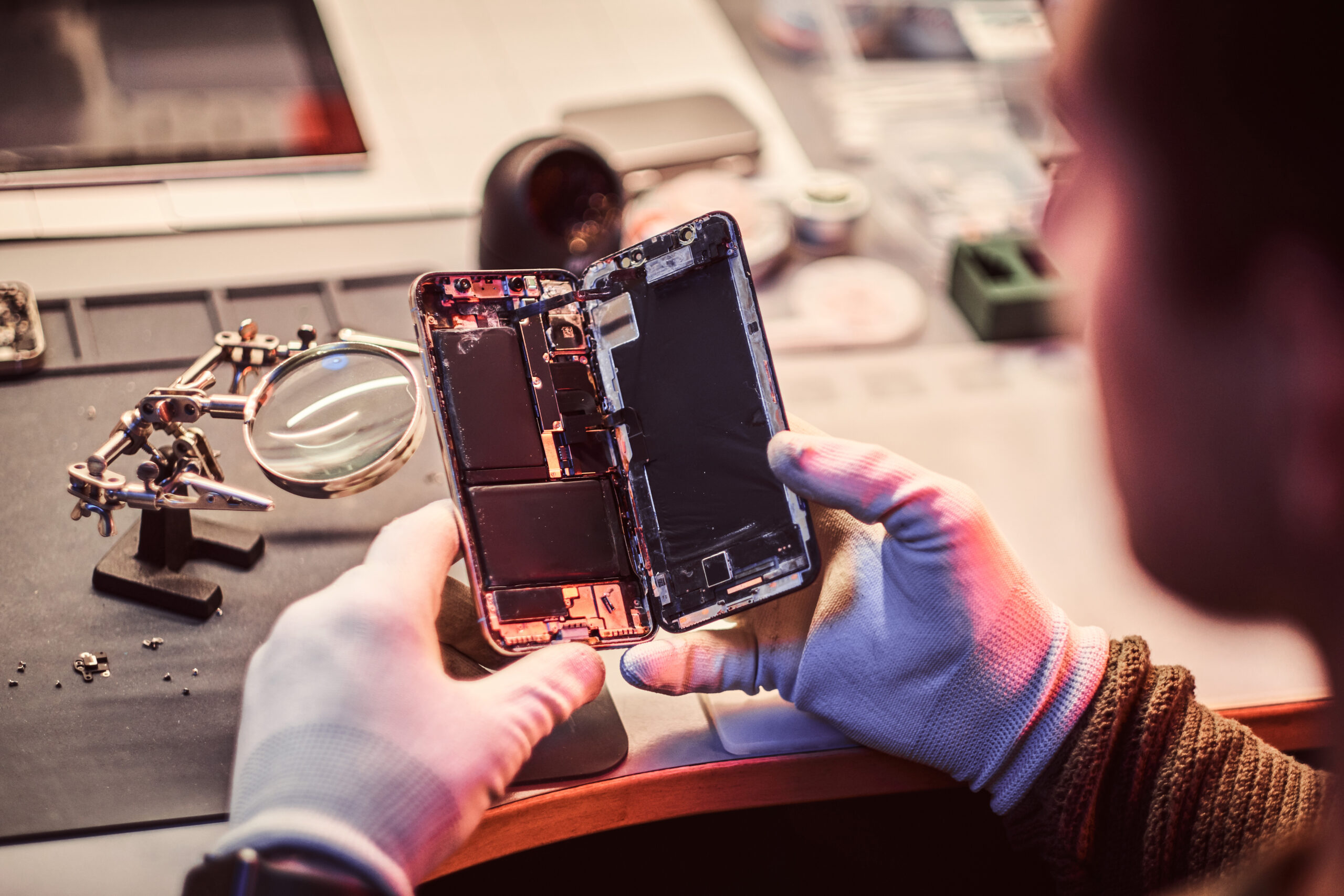
If you just dropped your phone in water, every second counts. Water damage phone repair success rates drop dramatically after 48 hours. This emergency guide from our Boca Raton repair technicians tells you exactly what to do right now to maximize your chances of saving your device. If you need immediate professional help, our water damage repair service is available now at (561) 923-9684.
What to Do IMMEDIATELY (First 5 Minutes)
Time is critical when dealing with water damage phone repair. Follow these steps in order, as quickly as possible:
Step 1: Get It Out of Water FAST
The longer your phone stays submerged, the more water penetrates into internal components. Even a few extra seconds can mean the difference between a recoverable phone and permanent damage.
Step 2: Turn It Off IMMEDIATELY
This is the most critical step. Water + electricity = short circuits. If your phone is still on:
- iPhone 8 and newer: Press and hold Side button + either Volume button, then slide to power off
- iPhone 7 and older: Hold the Side/Top button, then slide to power off
- Android: Usually hold the Power button for 10+ seconds to force off
⚠️ CRITICAL WARNING
DO NOT try to turn your phone back on to "check if it's working." This can cause immediate short circuits and permanent damage. Leave it OFF until professionally assessed.
Step 3: Remove All Accessories
- Remove the case (it traps moisture)
- Remove the SIM card tray
- Remove the memory card (if applicable)
- Remove any headphones or charging cables
Step 4: Dry the Exterior
Gently shake the phone to remove excess water from ports. Use a soft, absorbent cloth or paper towel to pat dry:
- Speaker and microphone openings
- Charging port
- Buttons and seams
- Screen and back glass
Step 5: Call a Professional
Even if your phone seems fine, internal corrosion can destroy components within days. Professional cleaning dramatically increases recovery chances.
🚨 Need Emergency Water Damage Repair?
Our Boca Raton technicians are ready to help. Get a free diagnostic or call now: (561) 923-9684. Walk-ins welcome at 9146 Glades Rd.
What NOT to Do (Common Mistakes)
Many well-intentioned actions can actually make water damage worse. Here's what to avoid:
❌ DON'T Put It In Rice
Despite popular belief, rice is one of the worst options for drying a wet phone. According to repair experts at iFixit, rice:
- Dries too slowly to prevent corrosion
- Introduces dust and starch particles into ports
- Can cause more damage than it prevents
- Gives false hope while corrosion spreads
❌ DON'T Use a Hair Dryer or Heat Gun
Excessive heat can melt internal components and adhesives. The heat can also push water deeper into the device rather than evaporating it.
❌ DON'T Shake It Violently
Vigorous shaking can spread water to previously dry components and cause mechanical damage.
❌ DON'T Charge It
Never plug in a wet phone. Charging introduces electricity to wet components, causing short circuits and potentially fire hazards.
❌ DON'T Press Any Buttons
Pressing buttons can push water deeper into the device and into button mechanisms.
"We see more phones destroyed by rice and heat guns than by the water itself. Professional drying equipment and proper techniques make all the difference."
— UltraTechX Lead Technician
Best Drying Methods Compared
If you can't reach a professional immediately, here are the best drying methods ranked by effectiveness:
Method 1: Silica Gel Packets (Best DIY Option)
Those little "do not eat" packets found in shoe boxes and vitamin bottles are actually excellent moisture absorbers.
- Collect as many packets as possible (you need a lot)
- Place phone in an airtight container with packets surrounding it
- Leave for 24-48 hours minimum
- More effective than rice because silica gel actively absorbs moisture
Method 2: Airflow in a Dry Location
- Place phone in front of a fan (cool air only)
- Position so airflow hits the charging port and speakers
- Choose a dry location with low humidity
- Let it dry for at least 48 hours
Method 3: Professional Drying Equipment (Recommended)
Professional repair shops like UltraTechX use specialized equipment:
- Vacuum chambers - Remove moisture at low pressure
- Desiccant chambers - Industrial-strength drying
- Ultrasonic cleaning - Remove corrosion deposits
- Professional inspection - Identify damaged components
💡 Pro Tip
Even if DIY drying seems to work, bring your phone to a professional for internal inspection. Corrosion can develop over weeks and cause sudden failure long after you think the phone is "fine."
Signs of Water Damage
How do you know if your phone has water damage? Look for these indicators:
External Signs:
- Water under the screen - Visible liquid or fogging
- Foggy camera lens - Moisture inside camera housing
- Water in charging port - Visible moisture or corrosion
- Liquid Contact Indicator (LCI) - Red/pink color means water exposure
Functional Signs:
- Phone won't turn on - Short circuit damage
- Screen issues - Flickering, lines, or black spots
- Speaker problems - Crackling, muffled, or no sound
- Charging issues - Won't charge or intermittent connection
- Microphone failure - People can't hear you on calls
- Random restarts - Intermittent short circuits
- Battery drain - Rapid power loss
How to Check the Water Damage Indicator:
Most phones have a Liquid Contact Indicator (LCI) that changes color when exposed to water:
- iPhone: Inside the SIM card tray slot - white/silver = dry, red = water exposure
- Android: Varies by manufacturer, often inside SIM tray or under battery
When You Need Professional Water Damage Repair
While DIY methods can work for minor exposure, professional water damage phone repair in Boca Raton is recommended for:
Situations Requiring Professional Service:
- Phone was submerged for more than a few seconds
- Phone was exposed to salt water, chlorine, or other liquids
- Phone shows any functional issues after drying
- You need reliable file retrieval
- Phone won't turn on after drying
What Professional Water Damage Repair Includes:
- Complete disassembly - Access all internal components
- Ultrasonic cleaning - Remove corrosion and mineral deposits
- Component inspection - Identify damaged parts
- Drying in controlled environment - Professional desiccant chambers
- Component replacement - Replace damaged parts as needed
- Testing and quality assurance - Verify functionality
At UltraTechX water damage repair, we have a 75%+ success rate for phones brought in within 48 hours of water exposure. The sooner you bring it in, the better your chances.
Preventing Future Water Damage
The best water damage repair is prevention. Here's how to protect your phone:
Physical Protection:
- Waterproof case - Cases like LifeProof or Catalyst provide full water protection
- Water-resistant phone - Modern iPhones and many Androids have IP67/IP68 ratings
- Waterproof pouch - Great for beach, pool, or boat activities
Behavioral Changes:
- Keep phones away from liquids when possible
- Don't take your phone into the bathroom during steamy showers
- Be extra careful near pools, oceans, and toilets
- Use a phone lanyard or grip near water
Regular Maintenance:
- Regularly back up your data to the cloud
- Consider phone insurance that covers water damage
- Know your phone's water resistance rating and limitations
💡 Important Note About Water Resistance
Even "waterproof" phones (IP67/IP68) are only water-resistant, not waterproof. The seals degrade over time and with drops. Never intentionally submerge a water-resistant phone, and water damage is typically NOT covered under warranty.
❓ Frequently Asked Questions
Can a water damaged phone be saved?
Yes, many water damaged phones can be saved if treated quickly. Turn off the phone immediately, don't charge it, and bring it to a professional repair shop within 24-48 hours. At UltraTechX Boca Raton, we have a 75%+ success rate for water damage recovery when phones are brought in promptly. The key is fast action and professional cleaning to prevent corrosion.
How long does it take to fix a water damaged phone?
Water damage repair typically takes 24-72 hours depending on severity. The phone needs thorough drying time and careful component inspection. At UltraTechX Boca Raton, we offer emergency diagnostic service to quickly assess the damage. Basic cleaning may be same-day, while extensive component replacement can take several days.
Does putting a wet phone in rice actually work?
No! Rice is actually NOT recommended by repair professionals. It's too slow to prevent corrosion, introduces dust and starch particles into ports, and can cause more harm than good. Silica gel packets work much better for DIY drying. However, the best option is immediate professional service at a repair shop like UltraTechX Boca Raton where we use proper drying equipment.
How much does water damage repair cost in Boca Raton?
Water damage repair costs vary based on damage severity and components affected. Basic cleaning starts around $49, while component replacement can range from $89-$299. At UltraTechX, we provide FREE diagnostics so you know the exact cost before any work is done. We'll never perform repairs without your approval. Call (561) 923-9684 for a free assessment.
What are the signs of water damage on a phone?
Signs of water damage include: phone won't turn on, screen flickering or distorted, speaker crackling or muffled sound, charging issues, foggy camera lens, microphone problems, random restarts, and visible corrosion inside the device. Check the water damage indicator (usually inside the SIM tray) - red/pink coloring indicates water exposure. If you notice any of these signs, bring your phone to UltraTechX Boca Raton immediately.