⚠️ STOP! Read This First Before You Do Anything!
If your phone just got wet, DO NOT:
- ❌ Turn it on or try to charge it
- ❌ Press any buttons repeatedly
- ❌ Shake or blow into it
- ❌ Use a hair dryer or oven
- ❌ Put it in rice (this is a myth!)
Instead, follow the 5 steps below RIGHT NOW. Every minute counts!
You just dropped your phone in water - whether it's the toilet, sink, pool, or your morning coffee. Your heart is racing and you're panicking. We get it - we see this emergency dozens of times per week at our Boca Raton repair shop. The good news? If you act FAST and follow these exact steps, you have a 70-85% chance of saving your device.
Why Time is Critical with Water Damage
Here's what happens inside your phone when it gets wet:
- 0-5 minutes: Water seeps into openings (charging port, speakers, buttons)
- 5-30 minutes: Liquid reaches internal components and logic board
- 30 minutes - 2 hours: Corrosion begins on metal contacts and circuits
- 2-24 hours: Corrosion spreads rapidly, components start failing
- 24+ hours: Permanent damage to logic board, often irreparable
⏰ The Bottom Line: You have a 24-48 hour window before corrosion causes permanent damage. The sooner you act, the better your chances of recovery.
STEP 1: Turn It OFF Immediately (DO NOT Turn It On!)
This is the MOST IMPORTANT step:
✅ What to Do:
- If your phone is still ON, power it off immediately (hold power button, slide to power off)
- If it's already OFF, leave it OFF - resist the urge to "check if it still works"
- Remove it from the water source as quickly as possible
❌ What NOT to Do:
- DON'T try to turn it on "just to test it" - This is the #1 mistake that kills phones
- DON'T plug it in to charge - This can cause immediate short circuit
- DON'T press buttons repeatedly - Pushes water deeper inside
Why This Matters:
When your phone is wet and powered on, electricity flowing through wet circuits causes short circuits that permanently damage components. Turning it off prevents this electrical damage.
STEP 2: Remove Case, SIM Card & Accessories
Remove These Immediately:
- Phone case: Traps moisture against the phone
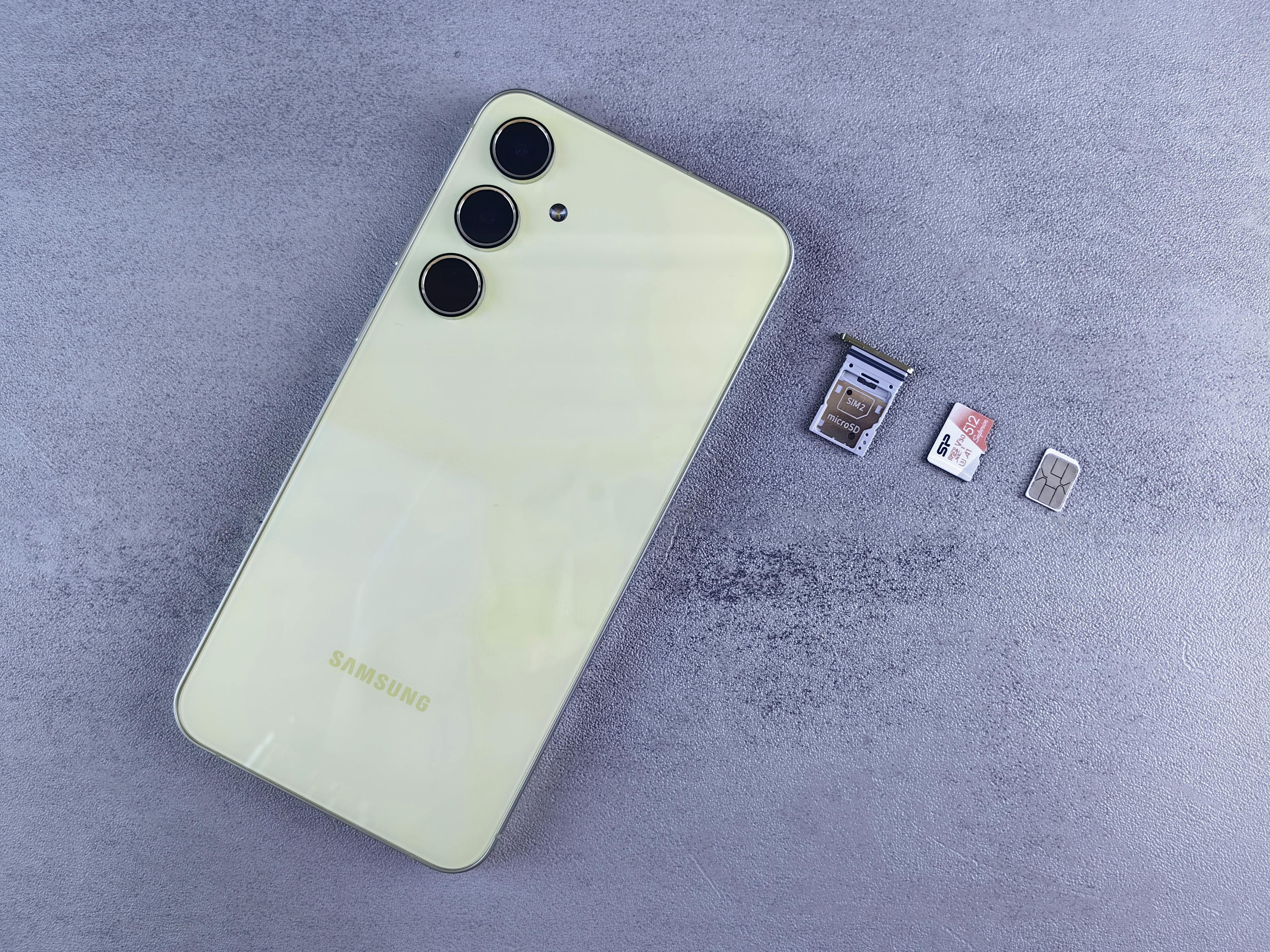
- SIM card tray: Use SIM ejector tool or paperclip to pop it out
- Memory card: If your phone has one (Android phones)
- Any accessories: Charging cables, headphones, PopSockets
Why This Helps:
Removing the case and SIM tray creates more openings for water to evaporate and air to circulate. The SIM card itself usually survives water damage, so removing it prevents corrosion on the SIM contacts.
💡 Pro Tip: Put your SIM card in a dry place or even in a different phone if you need to receive important calls while your main phone is being repaired.
STEP 3: Dry the Exterior Gently
Proper Drying Technique:
- Use a soft, absorbent cloth or paper towel
- Pat dry the exterior surfaces gently
- Tilt the phone to let water drain from ports (charging port, headphone jack)
- Dab around all openings (speakers, buttons, ports)
- Keep the phone upright or on its side - don't lay it flat
❌ NEVER Do This:
- DON'T shake the phone - Spreads water to dry areas
- DON'T blow into ports - Pushes moisture deeper inside
- DON'T use compressed air - Same problem, forces water inward
- DON'T use heat - Hair dryer, oven, or heat gun can melt components
STEP 4: DO NOT Put It In Rice (It Doesn't Work!)
Let's debunk the biggest myth in phone repair:
🚫 The Rice Myth is FALSE
Why people think it works: Rice absorbs moisture from the air around it.
Why it actually DOESN'T work:
- Rice is NOT effective at pulling water out of sealed electronics
- It creates a false sense of security, wasting critical time
- Rice dust can get inside your phone and cause more damage
- While your phone sits in rice for 48 hours, corrosion is spreading
✅ What Actually Works:
- Professional ultrasonic cleaning (75-85% success rate)
- Silica gel packets (better than rice, but still not great)
- Air drying in a dry environment (if you can't get to a repair shop immediately)
📊 Statistics: In our repair shop, we see dozens of "rice phones" every month. Success rate after rice treatment: Only 20-30%. Success rate when brought to us immediately: 75-85%. Rice wastes precious time!
STEP 5: Bring It to a Professional ASAP
Why Professional Help is Critical:
Water damage repair requires specialized equipment and expertise:
- Ultrasonic Cleaning: Professional ultrasonic baths remove ALL liquid and contaminants from internal components - something rice or air-drying can't do
- Corrosion Removal: Technicians use specialized solutions and micro-tools under microscope to remove corrosion before it spreads
- Component-Level Repair: If chips or circuits are damaged, micro-soldering can replace individual components
- Thorough Testing: Every function tested (screen, cameras, speakers, Face ID, etc.) to ensure full recovery
What to Expect at UltraTechX (Boca Raton):
- ✅ Professional diagnostic ($29.99, free with repair) - We'll tell you exactly what's damaged and if it's fixable
- ✅ Honest assessment - If it can't be saved, we'll tell you (no charge)
- ✅ Diagnostic fee waived with repair - You only pay if we successfully repair it
- ✅ 2-5 business days - Water damage repair takes time to do properly
- ✅ Data recovery priority - We try to save your photos and files first
🚨 Serving Boca Raton, Delray Beach, Boynton Beach & Deerfield Beach: If you're in the Boca Raton area, bring your water-damaged phone to us immediately at 9146 Glades Rd. Customers drive from Delray Beach and Boynton Beach because time is critical and we have the highest success rate in South Florida.
What Type of Liquid Damage Is Fixable?
✅ High Success Rate (80-90%):
- Fresh water (sink, toilet, pool) - if brought in within 24 hours
- Rain water - minimal contaminants
- Distilled water - least damaging liquid
⚠️ Moderate Success Rate (70-80%):
- Coffee/tea - sugars cause sticky residue but cleanable
- Soda/juice - acidic and sugary, needs thorough cleaning
- Beer/wine - alcohol evaporates faster but leaves residue
❌ Lower Success Rate (50-70%):
- Salt water (ocean/beach) - highly corrosive, acts fast
- Chlorinated pool water - chemicals accelerate corrosion
- Old water damage - brought in after 1+ weeks
iPhone vs Android: Water Resistance Explained
Many newer phones claim to be "water resistant" - but what does that really mean?
IP Ratings Explained:
- IP67 (iPhone SE 2020, iPhone 8): Up to 1 meter for 30 minutes
- IP68 (iPhone 12-15, Samsung Galaxy S20+): Up to 6 meters for 30 minutes
⚠️ Important Disclaimers:
- Water resistance DECREASES over time (seals wear out)
- Ratings are for FRESH water only - NOT salt water, chlorine, coffee, etc.
- Warranty does NOT cover water damage, even on "waterproof" phones
- Drops and cracks compromise water resistance
- Hot liquids (coffee) damage seals faster than cold water
⚠️ Bottom Line: Even if your phone is rated IP68, it CAN still get water damage. We repair "waterproof" iPhones with water damage every single day.
Can I Save My Data from a Water Damaged Phone?
This is usually the #1 concern - and we understand! Here's the reality:
Best Case Scenario:
If we successfully repair your phone, ALL your data stays intact (photos, contacts, messages, apps). Water damage repair doesn't require wiping the device.
If Phone Can't Be Fully Repaired:
We can often still recover your data even if the phone can't be fixed:
- iPhone: We can retrieve data if logic board is functional
- Android: We can often extract data from storage chip
- Photos backed up to iCloud/Google Photos are always safe
Prevention is Key:
Enable automatic backups NOW (before the next accident):
- iPhone: Settings > [Your Name] > iCloud > iCloud Backup (Turn ON)
- Android: Settings > Google > Backup > Turn ON
Common Questions About Water Damaged Phones
My phone still works after getting wet. Do I still need to get it checked?
YES! This is extremely important. Just because your phone appears to work doesn't mean it's okay. Water damage causes corrosion that spreads over days and weeks. Phones that "seem fine" after water exposure often fail 1-2 weeks later as corrosion spreads. Get it professionally cleaned NOW before permanent damage occurs.
How long should I wait before trying to turn on my water damaged phone?
DON'T wait - bring it to a professional immediately. Air drying takes 3-5 days minimum and still leaves corrosive residue inside. By the time you "wait it out," corrosion has already caused damage. Professional ultrasonic cleaning within 24-48 hours gives you the best chance.
Will water damage repair be covered by my warranty or insurance?
Standard manufacturer warranties do NOT cover water damage (even on water-resistant phones). However, AppleCare+ with theft and loss covers water damage for a service fee. Some credit cards and homeowner's/renter's insurance may also cover accidental damage - check your policies.
How much does water damage repair cost?
At UltraTechX, water damage repair costs $129-$299 depending on device type. Diagnostic is always FREE, and you only pay if we successfully repair it (no fix, no fee). This is much cheaper than buying a new phone ($800+).
Final Checklist: What to Do Right Now
If your phone just got wet, do this in order:
- ☑️ Turn it OFF immediately (don't turn it back on to "test")
- ☑️ Remove case, SIM card, and all accessories
- ☑️ Pat dry the exterior gently with soft cloth
- ☑️ Do NOT put it in rice - this wastes time!
- ☑️ Bring it to UltraTechX in Boca Raton ASAP (or nearest professional repair shop)
- ☑️ Keep phone powered off during transport
📊 Follow these steps = 75-85% success rate. Use rice and wait = 20-30% success rate.
🚨 Water Damaged Phone? We Can Help - Bring It In NOW!
Emergency water damage repair in Boca Raton. Serving Boca Raton, Delray Beach, Boynton Beach, and Deerfield Beach.
Every hour counts! Professional diagnostic ($29.99, free with repair), 75-85% success rate, diagnostic fee waived with repair.
📍 UltraTechX - 9146 Glades Rd, Boca Raton, FL 33434 | Open Mon-Sat 10am-7pm, Sun 12pm-5pm